
Retail
For stores and retail operations.
- POS / Sales
- Inventory
- Products & Variants
- Customers & Utang
- Cashier Shifts & Reports
Retail · Food Service · Rental · Multi-branch
Manage sales, inventory, customers, expenses, and more with TindahanGo. No credit card required.
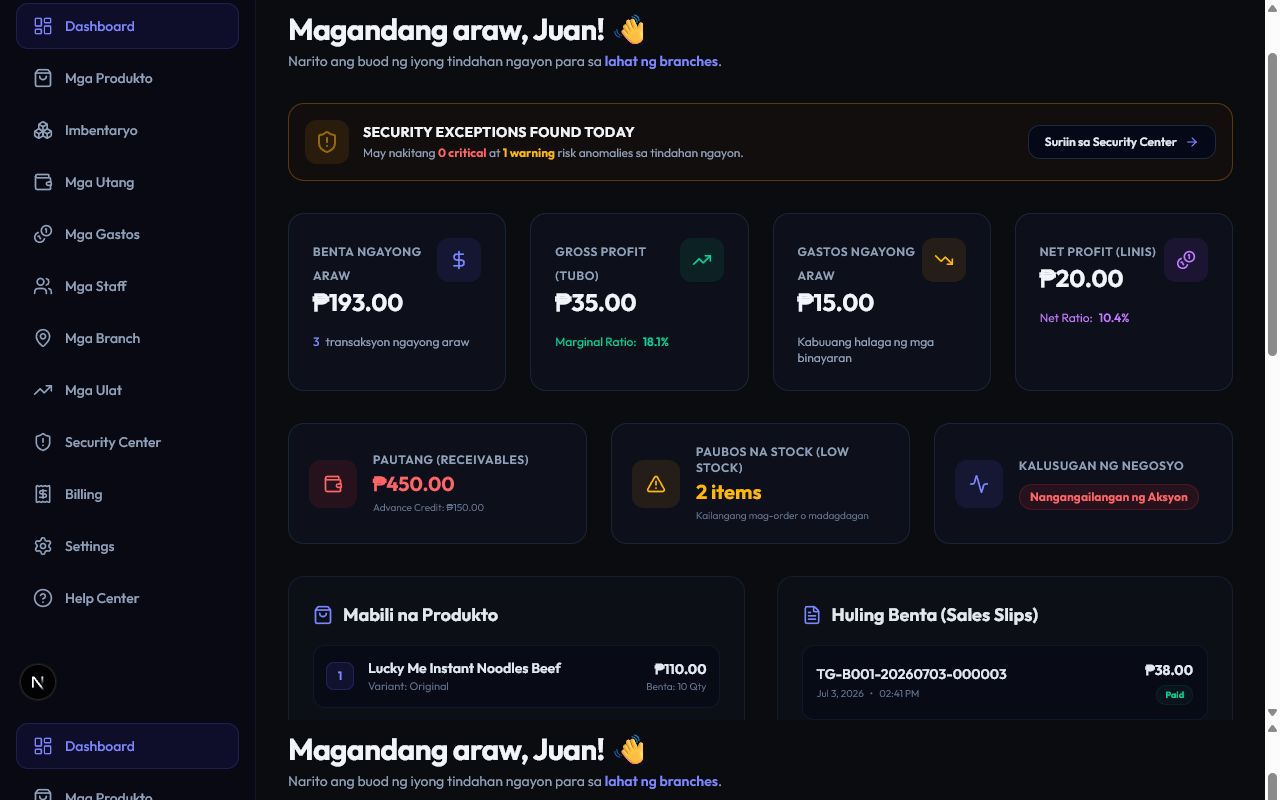
Business modules
Use Retail, Food Service, Rental, or combine modules based on how each branch operates.
For stores and retail operations.
For Restaurants, Café / Coffee Shops, Milk Tea / Beverage Shops, Bakeries, Fast Food / Quick Service businesses, Food Stalls / Kiosks, and Other Food Service businesses.
For businesses that rent equipment or reusable assets.
Features
Keep selling, stock, customer credit, and daily branch operations connected.
Run counter-service or table-service workflows with connected menu, preparation, and inventory tools.
Follow equipment from checkout to return with branch-aware asset records.
Multi-branch
Each branch can use the modules it needs while owners manage the business from one account. Operations, billing, and staff visibility remain branch-specific.
Store and food-counter workflows together.
Equipment and asset operations.
Focused store operations.
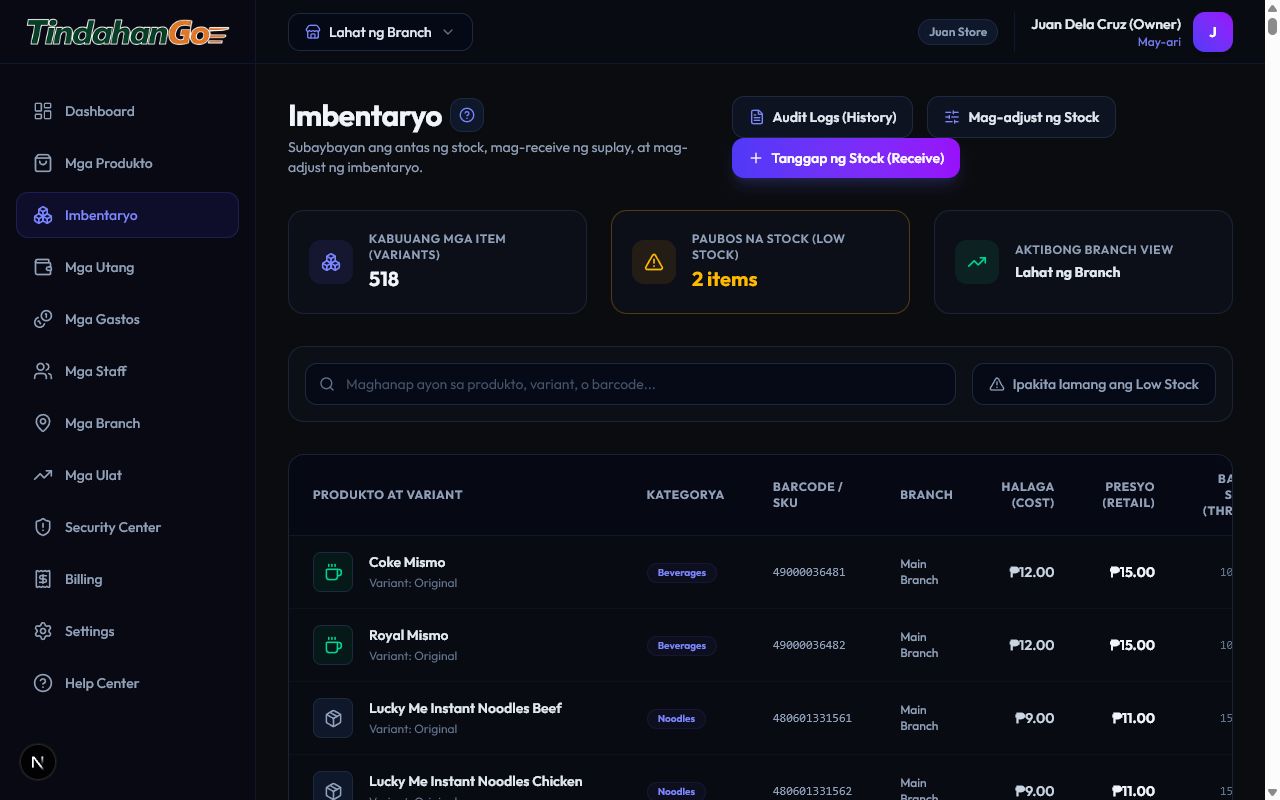
Inventory & stock
Keep product and variant stock visible while receiving, adjusting, transferring, and reviewing movement history.
Staff & Cashier access
A Cashier belongs to one branch, and a branch can have multiple Cashiers. Assign the operational module combinations permitted for that branch.
Business-wide management for branches, billing, reports, and configuration.
Permitted operational and administrative areas according to the assigned role.
One assigned branch and the operational modules needed for the job, using PIN-controlled access.
Use a paired browser or device with Staff PIN login and branch/module-scoped access.
Reports, security & accountability
Review operations while keeping permissions and branch access appropriate for every role.
Sales, inventory, expense, shift, utang, Food Service, and rental reports
Audit logs and recorded user actions
Role-based permissions and branch-scoped access
Business visibility without exposing every branch to every staff member
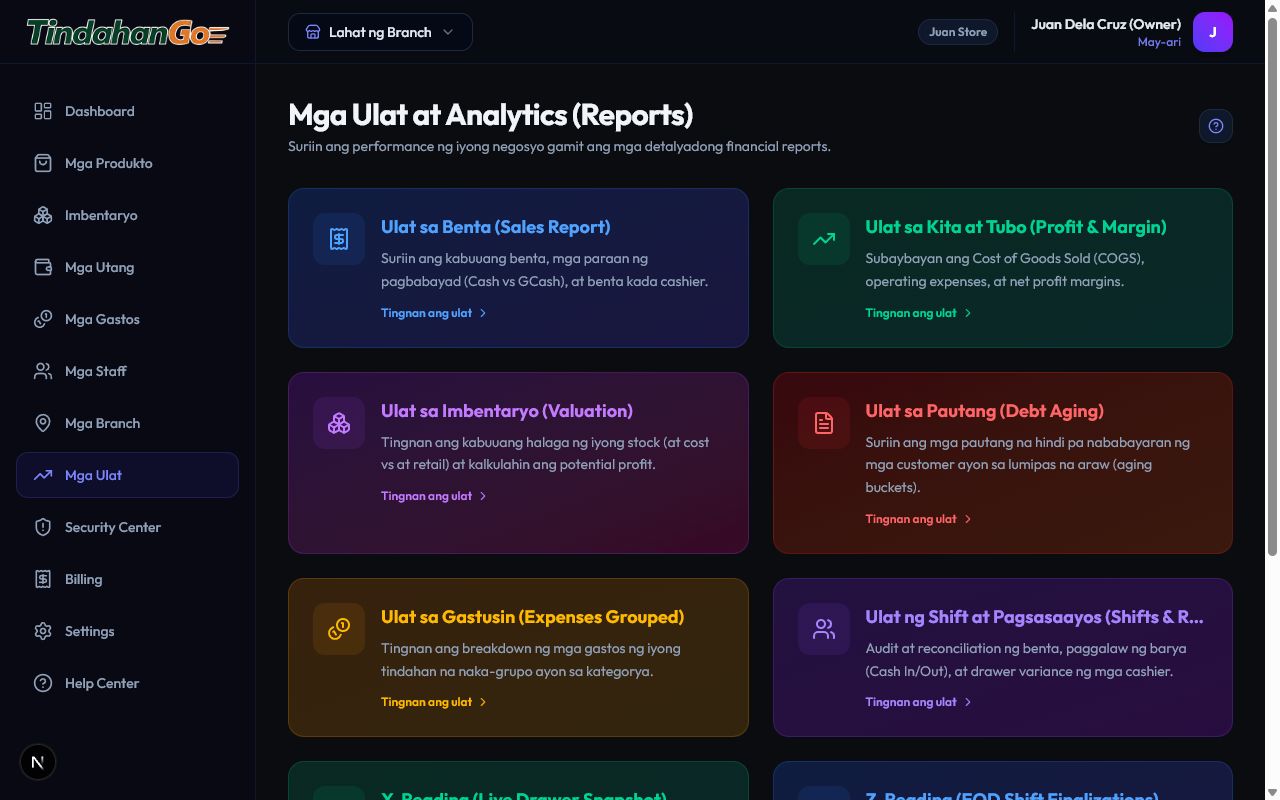
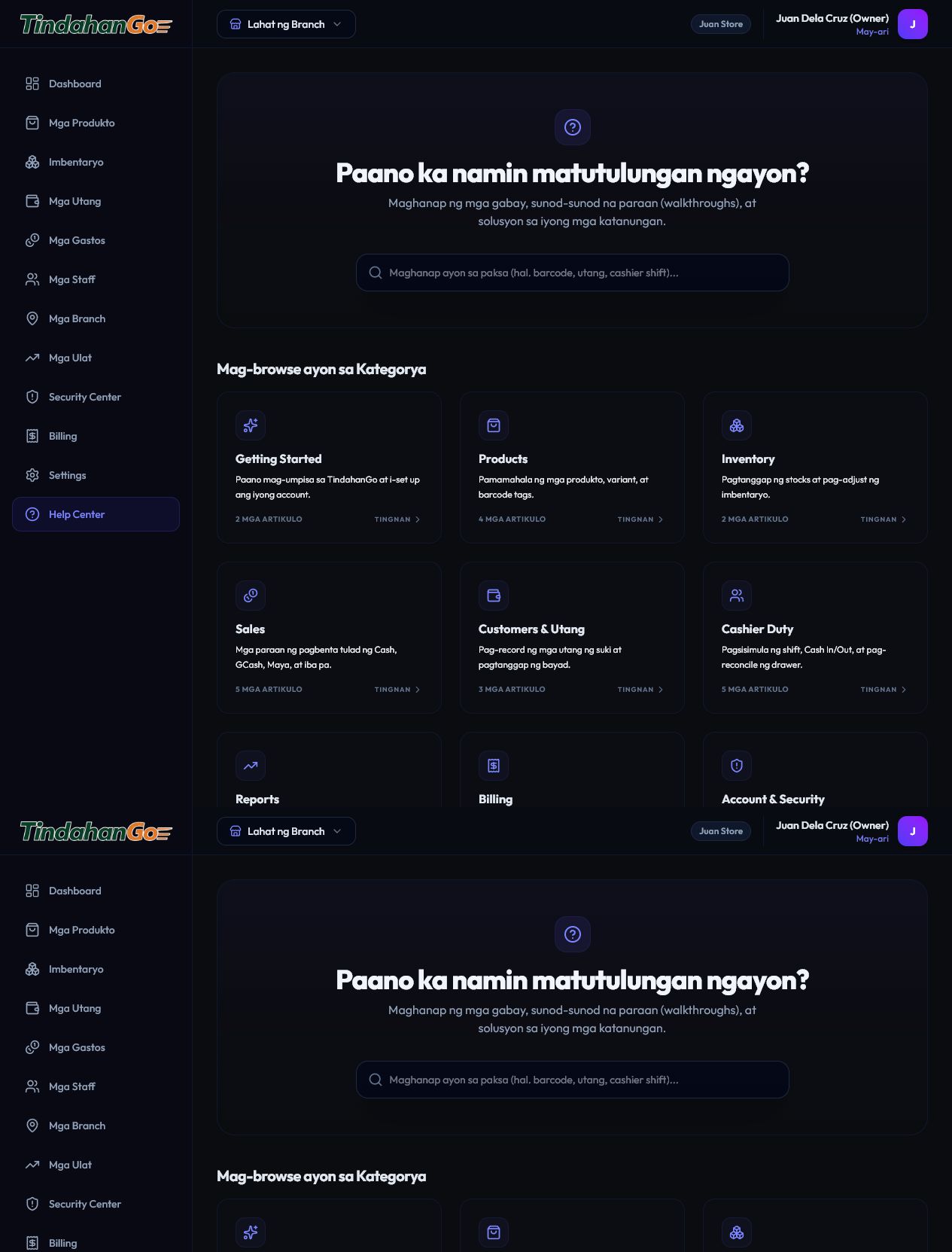
Product screens
These are current TindahanGo screens. Food Service and Rental screenshots will be added when their production captures are ready.
Why TindahanGo
Fewer notebooks, fewer separate files, and a clearer view of the work happening across your branches.
Replace scattered apps and spreadsheets with operations that work together.
Use Retail, Food Service, Rental, or the combinations that match each location.
Review inventory, sales, rentals, expenses, and operational reports in one account.
Give owners, managers, and Cashiers the access they actually need.
Each location can run the workflow it needs without changing every other branch.
Pricing
Prices are per branch. Start with a company-level 60-day free trial—no credit card required—then select the modules each branch needs.
Get 2 months FREE with annual billing. Pay for 10 months, get 12 months.
Loading current package prices…
Manual GCash payment is currently supported. Billing is handled per branch after the trial.
FAQ
Start with a 60-day free trial. No credit card required and no automatic charge.